Websites & experience
Website redesign checklist: plan beyond the new look
A practical website redesign checklist covering the brief, content, customer journeys, SEO migration, launch testing and ownership.
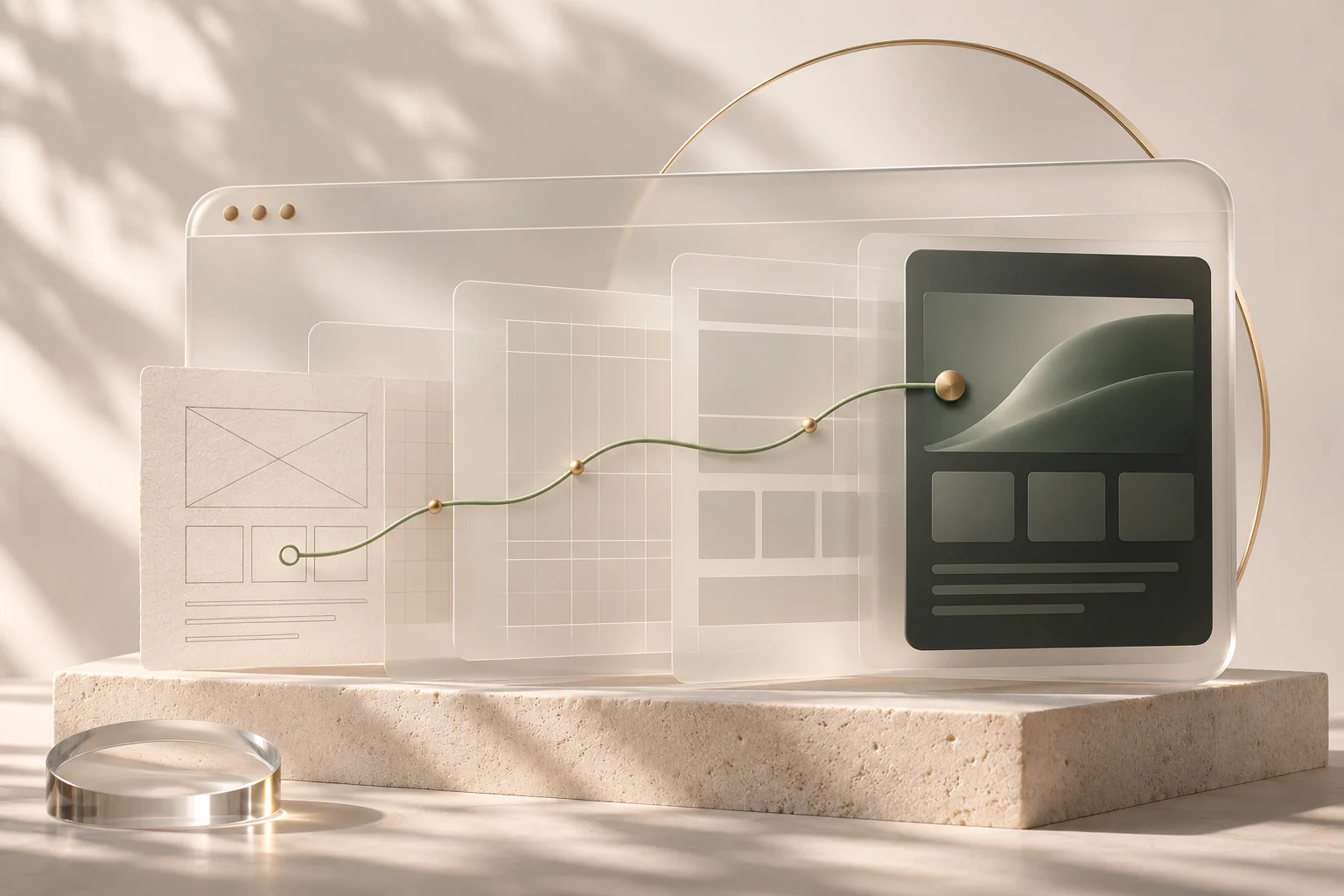
A website redesign usually begins with something visible. The homepage feels dated. The type looks small on a phone. A competitor has launched something sharper. Those are useful observations, but they are a thin brief for rebuilding a business website.
The more useful starting point is the journey you want to improve. Someone arrives with a question, looks for evidence and decides whether to take the next step. Your content, interface and internal process all take part in that decision. This website redesign checklist helps you scope those connections before you approve a new look.
1. Write down the job the website needs to do
Choose a primary outcome in language a colleague can test. “Make it premium” is a direction. “Help a prospective client understand our services and request a relevant consultation” is a job.
That distinction changes the brief. A service business may need clearer qualification and a better enquiry route. A product business may need a simpler way to compare options. An established firm may need its online presence to catch up with the work it already does. The design should have a different centre of gravity in each case.
Write down who the visitor is, what brought them to the page, what they need to understand and what should happen next. Keep that short statement beside the visual references throughout the project.
2. Keep a record of what already works
Before moving pages, make an inventory. Include service pages, articles, downloadable documents, forms and important external links. Record their current URLs and note which pages receive enquiries or useful search traffic.
If you have Search Console and Analytics, use them to establish a baseline. If you do not, record what you can verify through existing enquiries and the team’s experience. An honest baseline is more useful than an impressive number with no reliable source.
Ask the people who answer customer questions which pages they regularly share. A page can be useful even when it is not the busiest page on the site. Its replacement needs to preserve that purpose.
3. Plan the content before polishing the screens
A beautiful layout cannot decide what your business should say. Work through the questions a potential client asks: what do you do, who is it for, what can they expect, what evidence can you show, and how does a conversation begin?
Assign those questions to pages. Give each page a clear role rather than repeating the same introduction across every service. Write the key message and the next action before the layout becomes too specific to accommodate them.
Project stories need particular care. Explain the challenge, the decisions and the scope you can substantiate. Separate original work from a later portfolio mockup. A well-written case study makes the work easier to understand without inventing results.
4. Treat the mobile journey as a complete journey
Review more than the first screen. Follow the route from a service description to a project, from that project to an enquiry, and from the enquiry to its confirmation.
Check long headings, expanded navigation, dropdowns, error messages and the keyboard opening on a phone. Make sure a fixed navigation element does not cover the page heading or a form control. Then repeat the journey with a keyboard on a desktop.
Motion belongs in this review too. An effect should help reveal structure or confirm an action. The content must remain available when reduced motion is enabled, a script loads late or the visitor moves quickly through the page.
5. Put SEO migration into the brief
When URLs change, give each important old page a relevant new destination. Avoid sending an entire retired site to the homepage. Preserve useful page content and check titles, descriptions, canonical URLs, internal links and image alternatives in the new build.
Google’s guidance for site moves with URL changes covers URL mapping, redirects and monitoring. It also makes clear that search visibility can fluctuate while changes are recrawled. A redesign should not be sold as a guarantee of preserved rankings.
If you are changing hosting while keeping the same URLs, treat that as a different task from changing the site’s addresses. Confirm the intended domain, HTTPS and sitemap before submitting the new site for discovery.
6. Test what happens after someone clicks
A contact form is part of a business process. Who receives it? Is there a confirmation? Does the person replying have the information they need? What happens if delivery fails?
The same questions apply to bookings, payments, downloads and account creation. Test a complete route using clearly marked test data. Check the destination and the receipt rather than stopping at a success message on the page.
For a consultation request, make it clear whether the visitor has booked a confirmed slot or asked for a preferred time. That small piece of copy sets the expectation for everything that follows.
7. Agree on ownership after launch
Decide who can edit content, who looks after updates, who reviews search performance and who checks that important journeys still work. Record where the domain, hosting, source code and content live.
A defined launch can be handled as a focused project. Recurring improvements may suit an ongoing design and technology partnership. Choose the arrangement around the work you expect to have, including the less visible work that keeps the site useful.
A brief you can bring to a first conversation
- The visitor and the main task the site should support.
- The pages, content and search visibility worth preserving.
- The enquiry, booking or purchase journey that needs attention.
- The people who will approve content and maintain it later.
- The constraints around timing, technology and ownership.
You do not need every answer before starting. You do need a shared view of the questions. Explore UIX’s website and digital capabilities, or book a free 30-minute consultation to work through the brief together.
30 minutes. A fresh perspective.
Choose a date and time.